¶ Batches
The Batches section under Users & Batch Management allows the Admin to organize users into smaller, manageable groups for streamlined operations.
¶ What are Batches?
Batches are groups of users within the organization, typically organized based on a specific criterion such as department, project, or training schedule.
¶ Purpose of Batches
Batches are designed to:
- Facilitate targeted training and learning management.
- Enable easier assignment of tasks, courses, and action cards to specific user groups.
- Provide granular data insights and reporting.
¶ Features That Allow Batch Tagging
Batches can be used in:
- Assigning learning journeys.
- Allocating assessments.
- Generating reports for a specific group of users.
- Organizing data views for dashboards.
¶ How to Create Batches
- Navigate to the Batches section under Users & Batch Management.
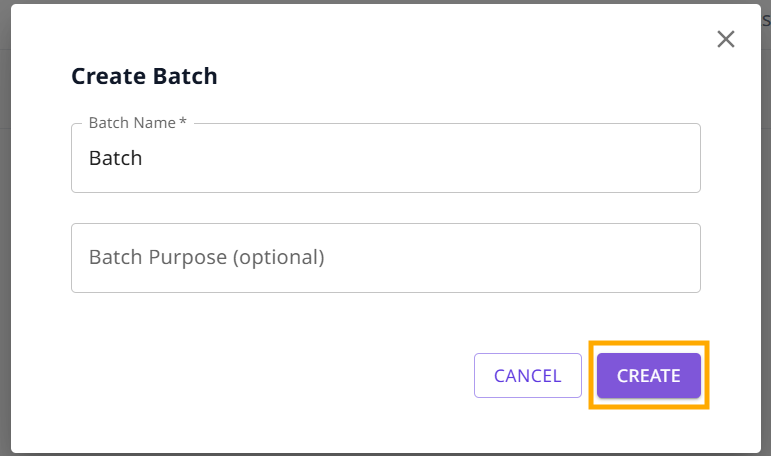
- Click the button labeled "Create Batch".

Enter the Batch name and Batch purpose(optional), then click “Create”.
¶ How to Add Users to a Batch
There are 2 ways to add a batch.
- Adding each user to a batch individually
- Adding users to a batch in bulk using an excel/csv upload
¶ Adding each user to a batch individually
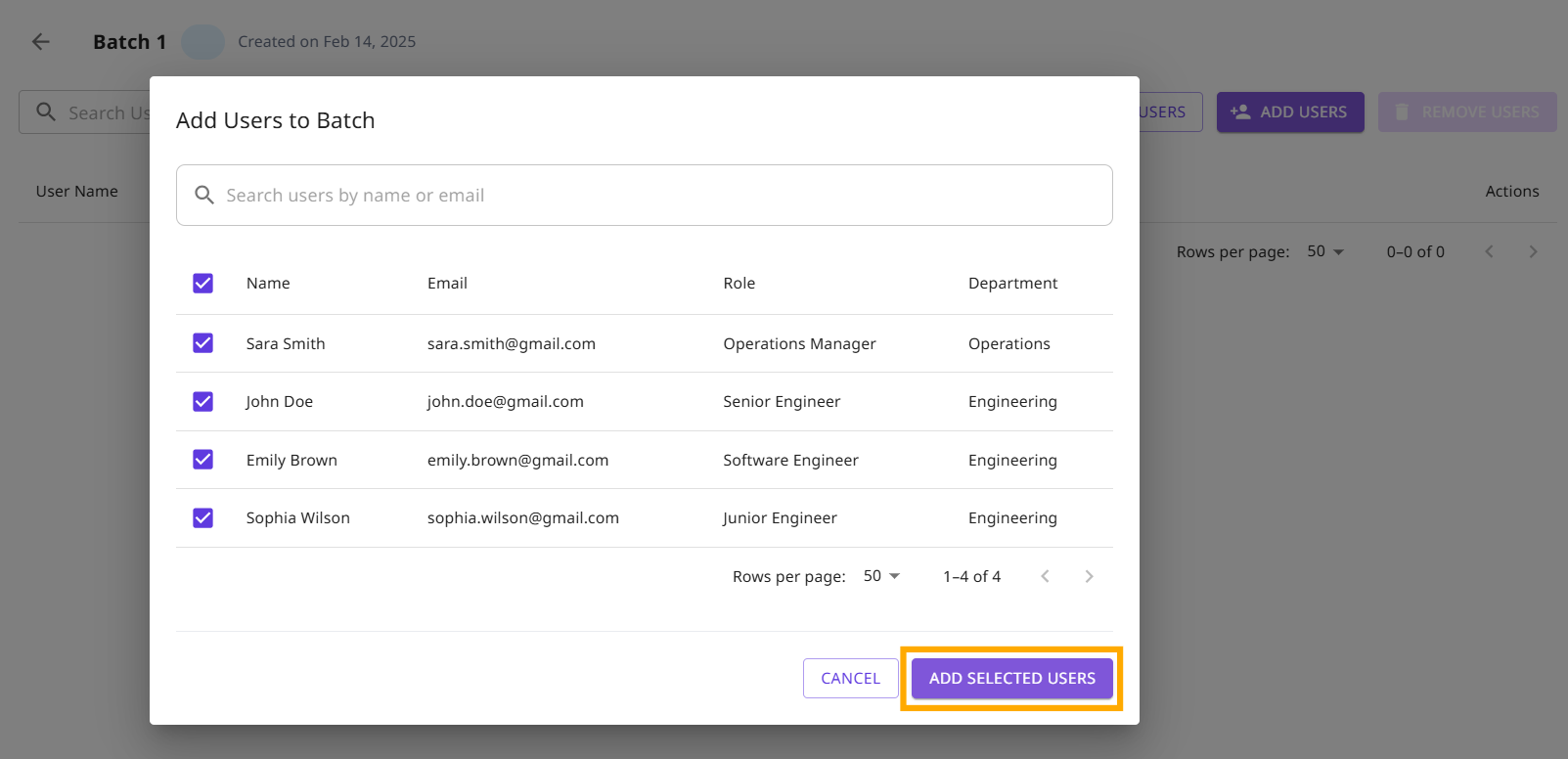
- Select the batch to which you want to add users.
- Click the "Add User" button.

- Search and select for the user by name or email and add selected users.
¶ Adding users to a batch in bulk using an excel/csv upload
You can also add multiple users in one go using an excel upload. To do this:
Step1: Navigate to the batch where users need to be added.
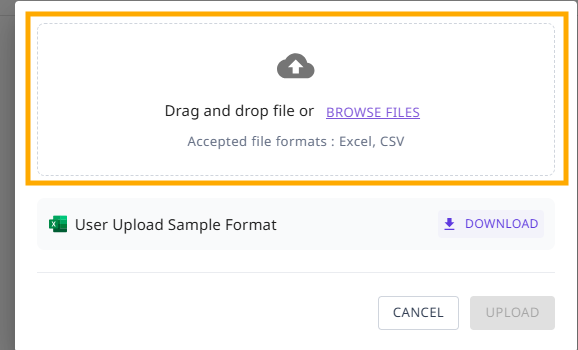
Step2: Click "Upload Users".

Step3: Upload a CSV/Excel file containing the user emails. Ensure the first row contains the column heading email_id.
¶ How to Remove Users from a Batch
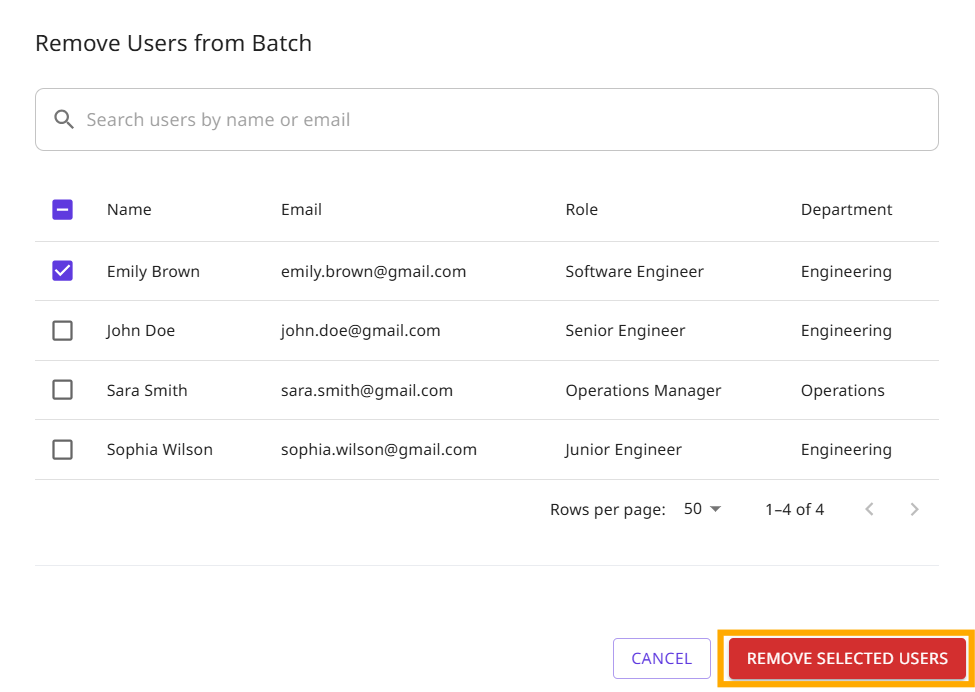
Open the specific batch from the list and click ”Remove Users”.
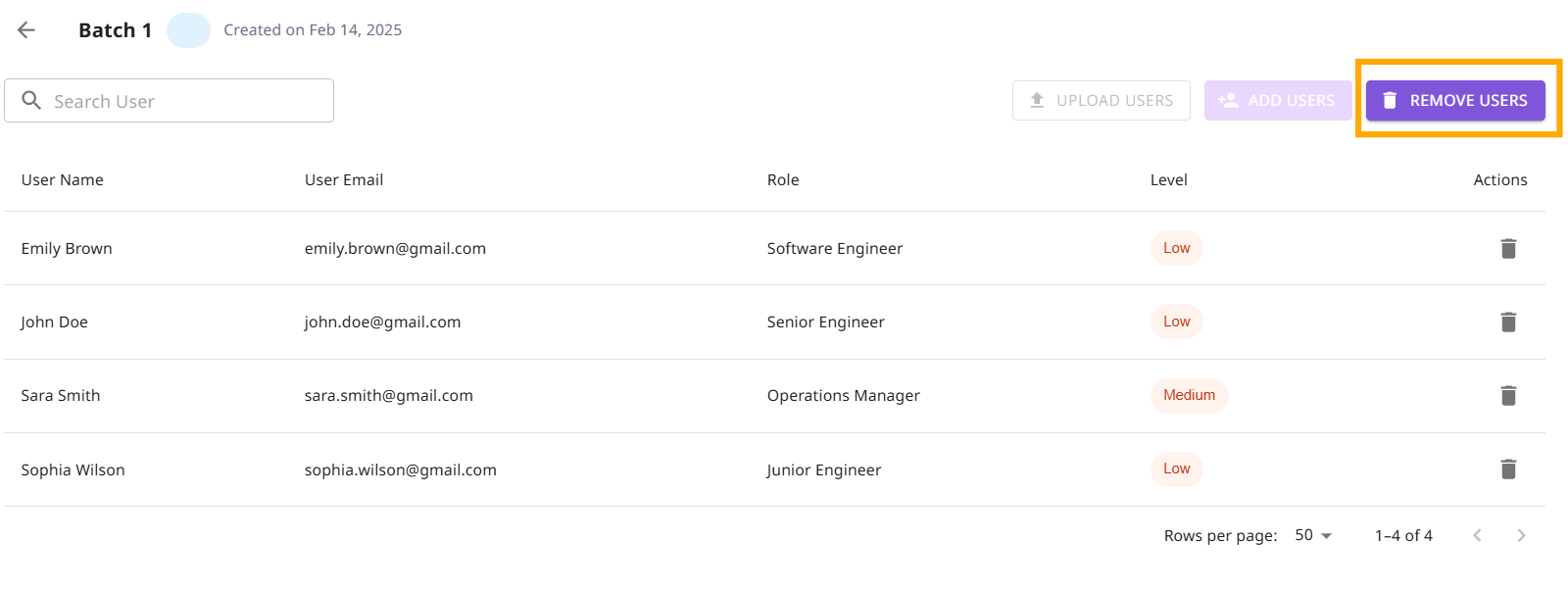
Select the user(s) you want to remove and click the "Remove Selected Users" button.
¶ Frequently asked questions
- Can one user exist in multiple batches?
- Yes, a user can belong to multiple batches simultaneously. This allows flexibility in managing users across different training programs or projects.