¶ Learning Module
The Learning Module helps employees learn and improve their knowledge on a particular skill. It has a straightforward structure consisting of various learning items such as articles, videos, documents, and quizzes.
¶ How to Create a Learning Module
To create a learning module, follow these steps:
- Navigate to the "Modules" section in the admin dashboard.
- Click on the "Create Module" button.
- Choose Learning Module as the module type.
For detailed steps, refer to the guide: How to Create Modules.
¶ Adding Learning Items to a Learning Module
To create a complete learning module, you need to add various learning items. These items serve as the building blocks for imparting knowledge.
¶ Steps to Add Learning Items
- Open the newly created learning module.
- Locate the Add Items button.
- Refer to the image below for the location of the button:
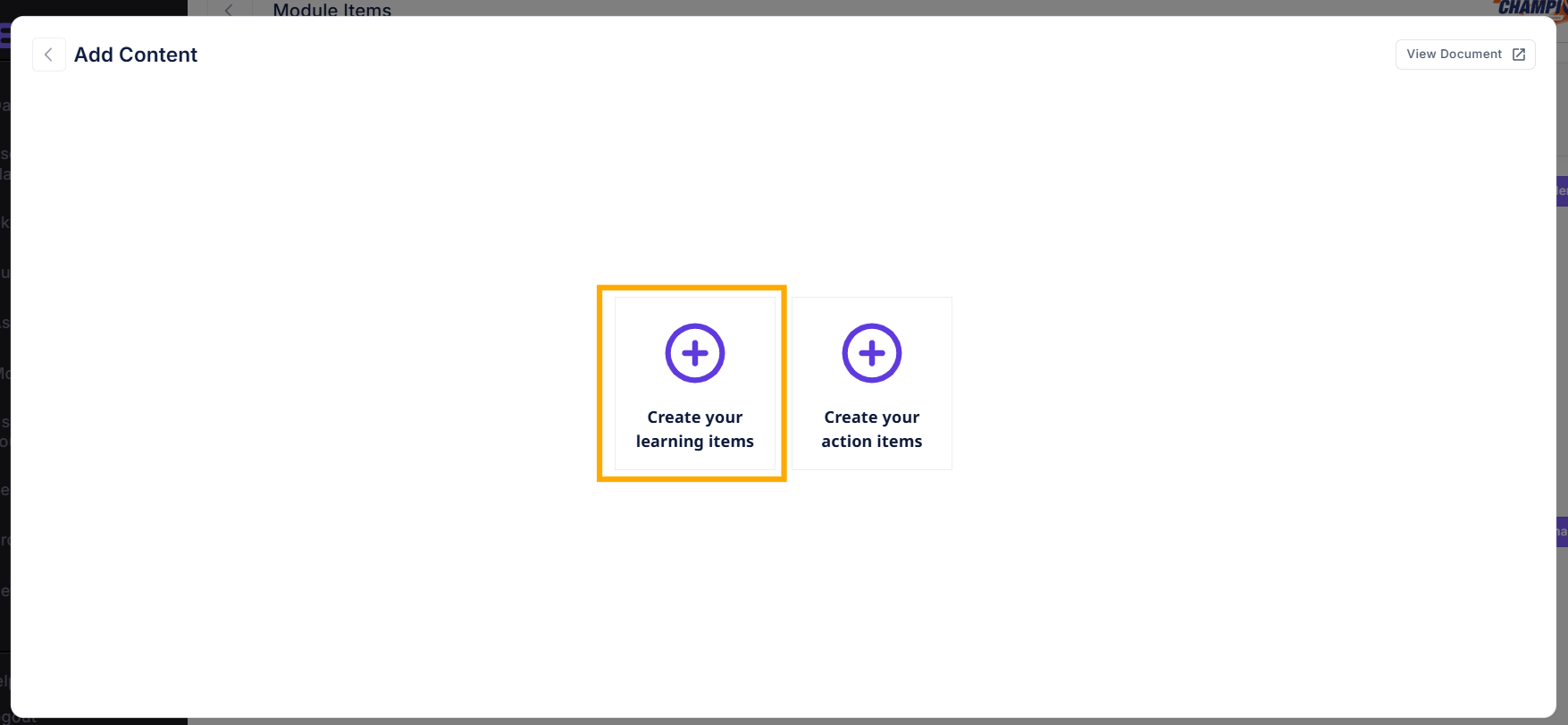
- Refer to the image below for the location of the button:
- Select the type of item you want to add (e.g., Article, Video, Quiz).
- Fill in the required details, such as title, description, and content, specific to the item type.
- Save your progress and repeat the process to add multiple items.
For detailed instructions on creating different types of module items, refer to these links:
¶ Reordering Items in a Learning Module
You can reorder items within the module to structure the learning journey effectively:
- Drag and drop items into the desired order.
- Alternatively, use the "Reorder" button for manual adjustments.
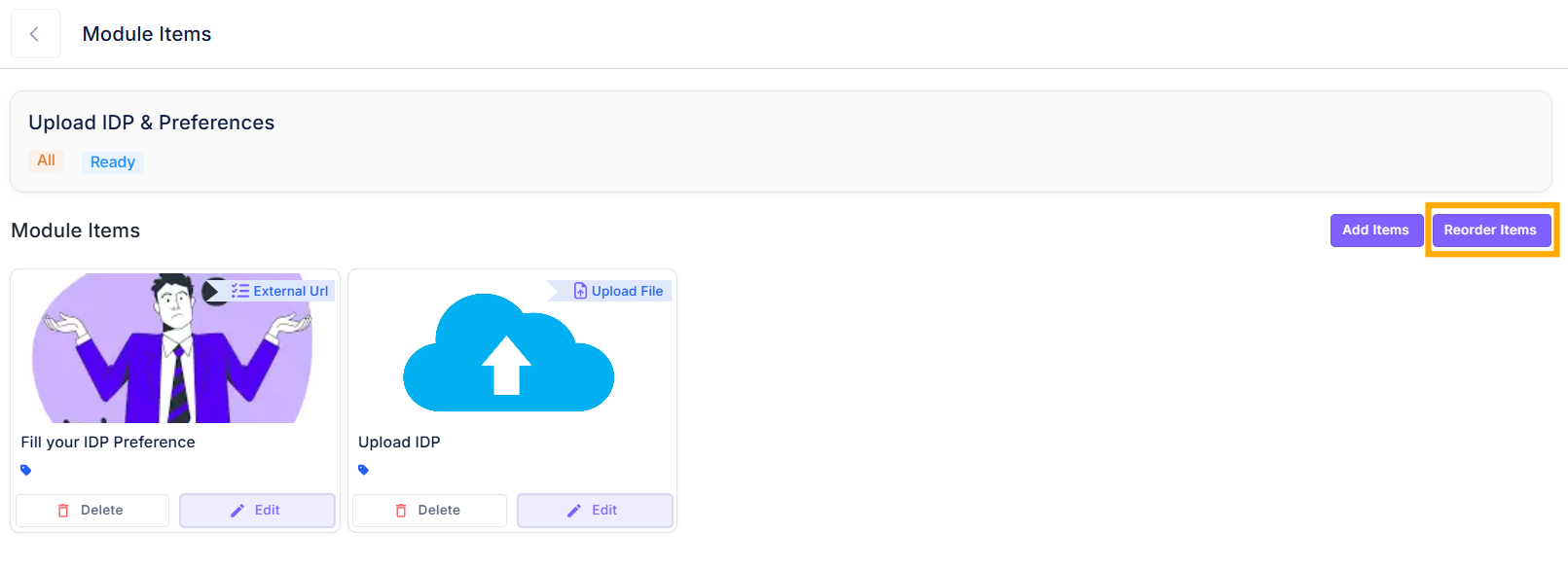
This ensures the module flows logically and aligns with your learning objectives.
¶ Learning Items
These items are designed to impart knowledge and build understanding among participants:
-
Upload Document
- Description: A document file uploaded for reference or learning purposes.
- Example: "Employee handbook on workplace ethics."
-
Upload Image
- Description: A standalone visual aid for learning or reference.
- Example: "Infographic on customer journey mapping."
-
Article
- Description: A written piece of content, such as a blog, report, or research paper.
- Example: "Top 10 Strategies for Effective Leadership."
-
YouTube Video
- Description: A video lesson or tutorial hosted on YouTube.
- Example: "TED Talk on emotional intelligence in leadership."
-
Internal Video
- Description: A pre-recorded video lesson, tutorial, or presentation hosted internally.
- Example: "Explainer video on the sales funnel."
-
Create Quiz/Tests
- Description: An interactive set of questions to test participant understanding.
- Example: "Quiz on conflict resolution techniques."
-
Q&A (Question & Answer)
- Description: A task where participants answer specific questions.
- Example: "Explain how you would handle a difficult customer scenario."
-
Add External Link
- Description: A link to an external website or resource.
- Example: "Link to an industry report on market trends."
-
Add File Upload
- Description: Participants upload a document or file as part of their task.
- Example: "Upload a completed sales pitch deck."
-
Add SCORM Upload
- Description: A SCORM-compliant eLearning module that tracks progress and scores.
- Example: "Interactive module on workplace safety training."
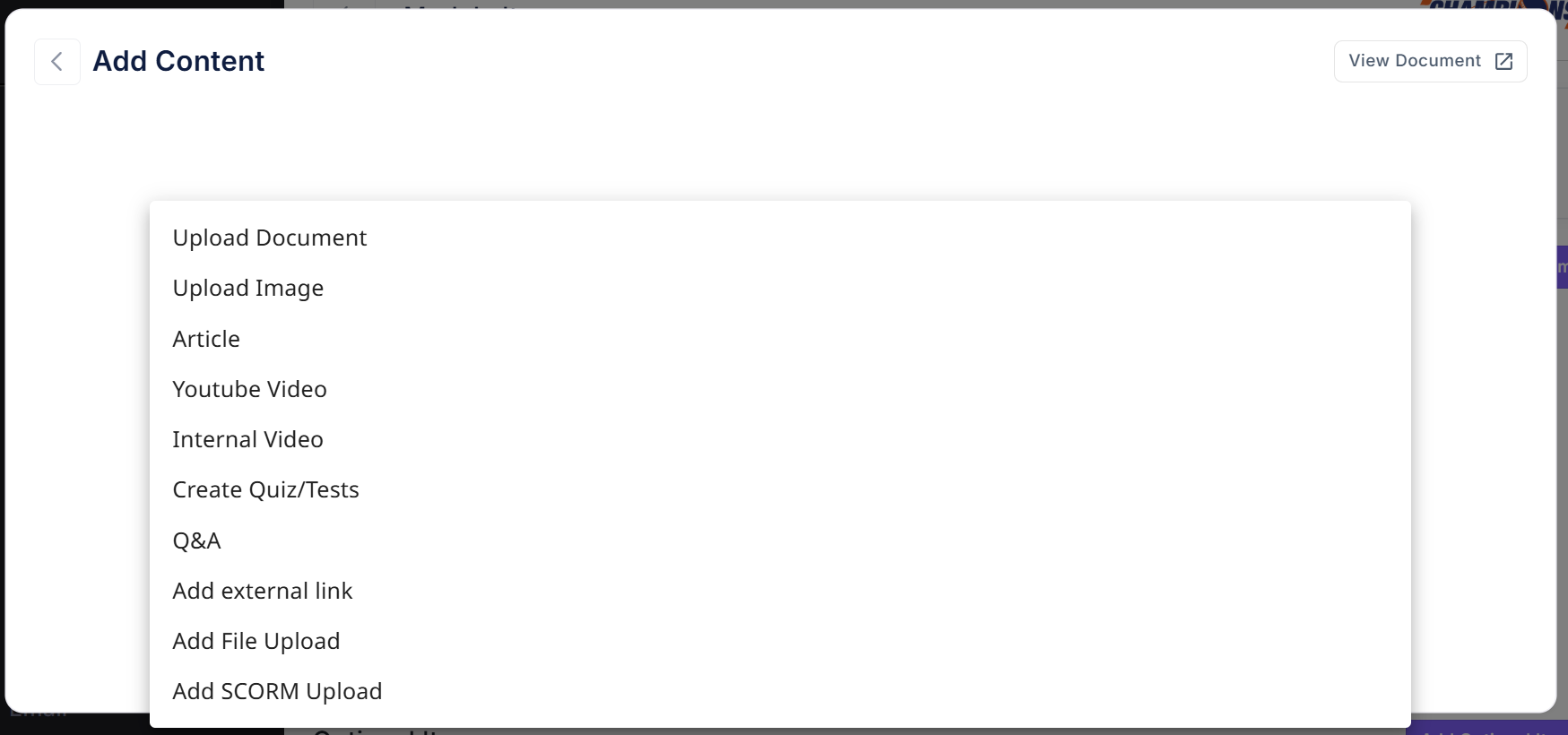
For a complete guide to creating different types of learning items, visit:
How to Create Learning Items.